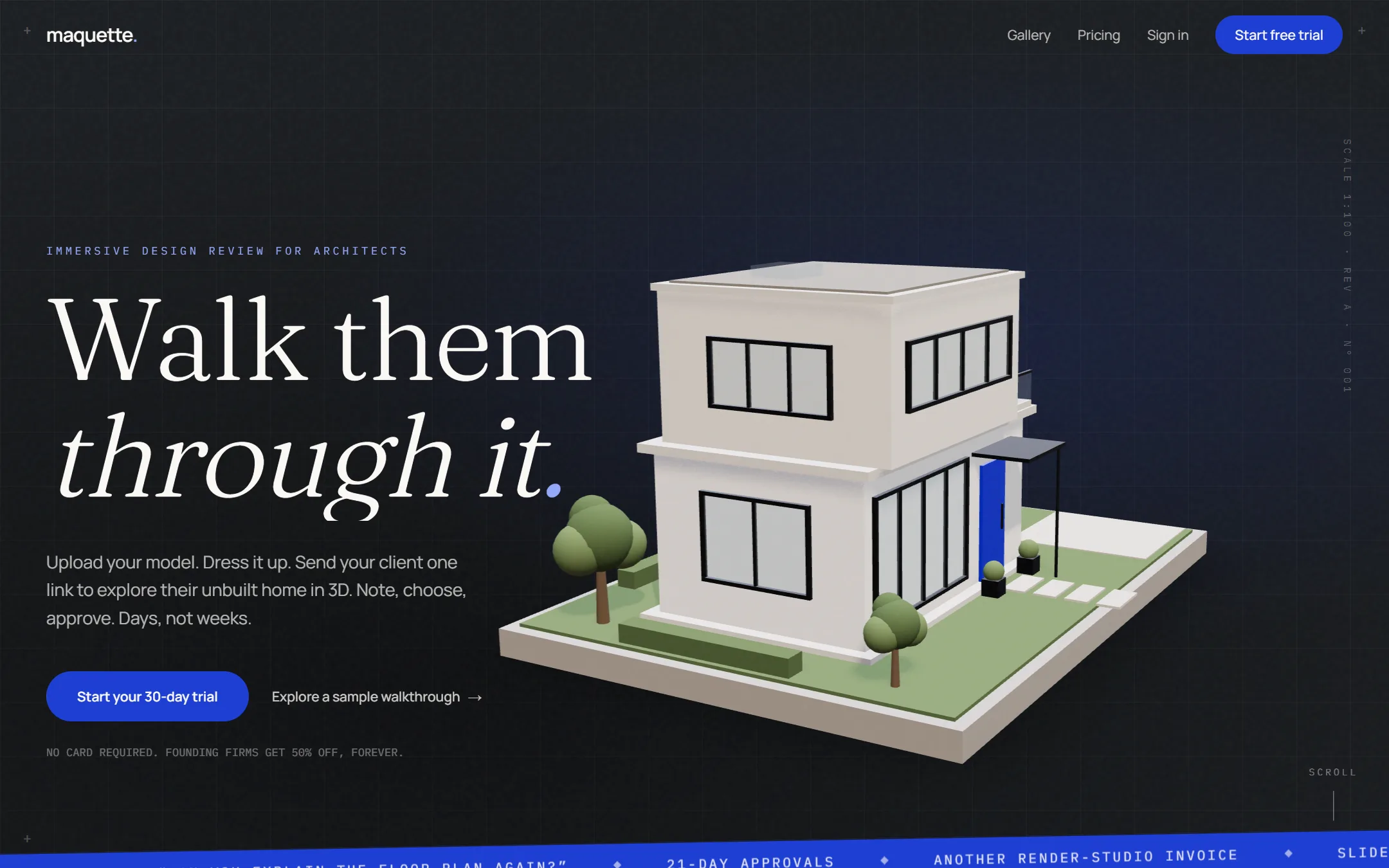
Maquette is where architects and their clients agree on a design. The architect uploads a building model, dresses it with materials, furniture and lighting, and sends the client a link. The client walks through it in 3D, pins comments to the model, picks between design options and approves.
- open formats at launch: IFC, glTF, OBJ and FBX
- 4
- for the client: nothing to install
- 1 link
Why
Renderers make beautiful pictures, but approvals still happen in email threads, video calls and marked-up PDFs, and a client who can't read a plan agrees to something they can't picture. Late changes on site follow.
Maquette is built around the decision rather than the image: walkthroughs, feedback pinned to the model, prepared design options, version comparison, and a trail of what was agreed.
My role
Everything, so far: the product and its design documents, the brand, the marketing site, and the engineering from the upload pipeline to the viewer.
The product
A walkthrough in a link
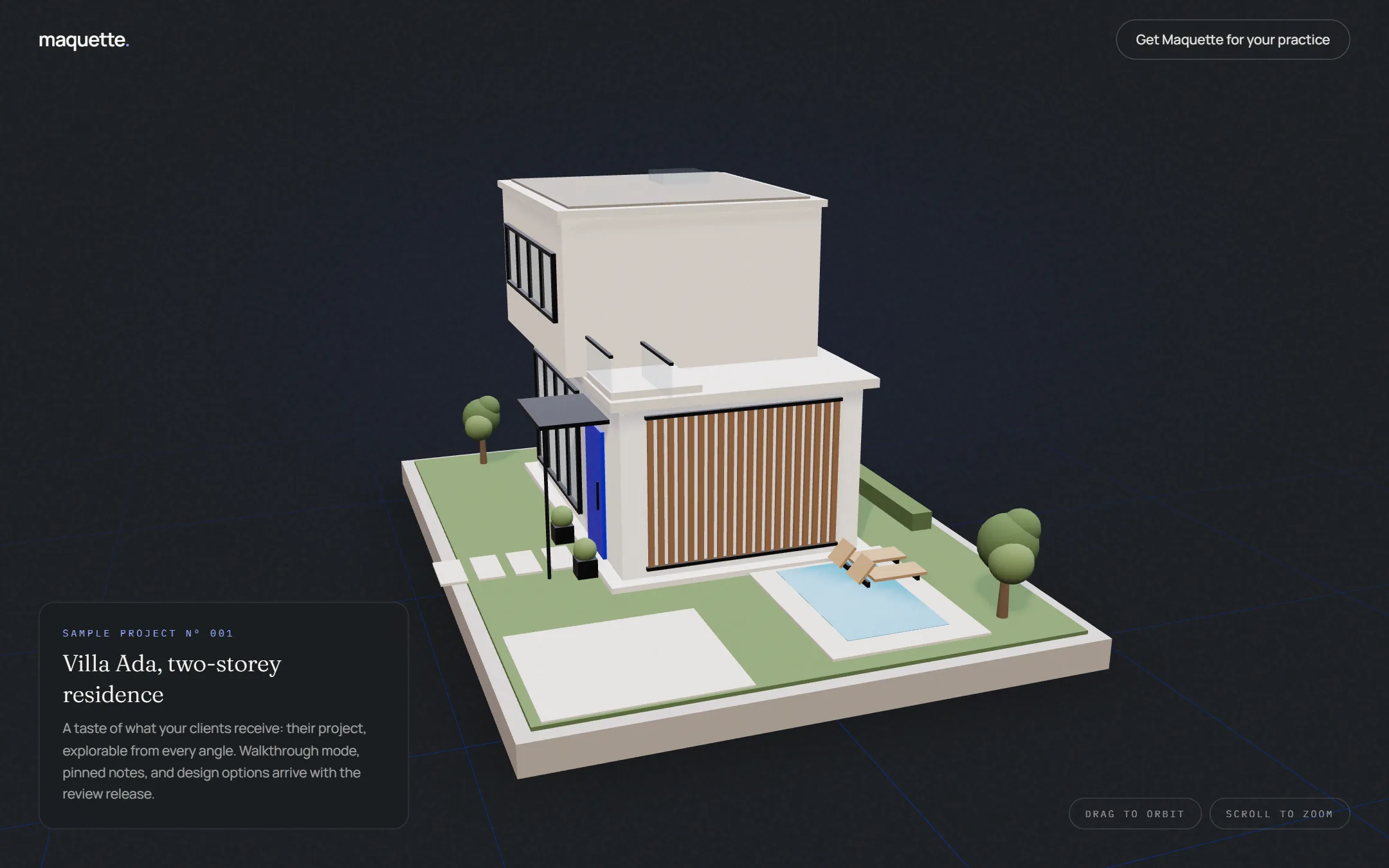
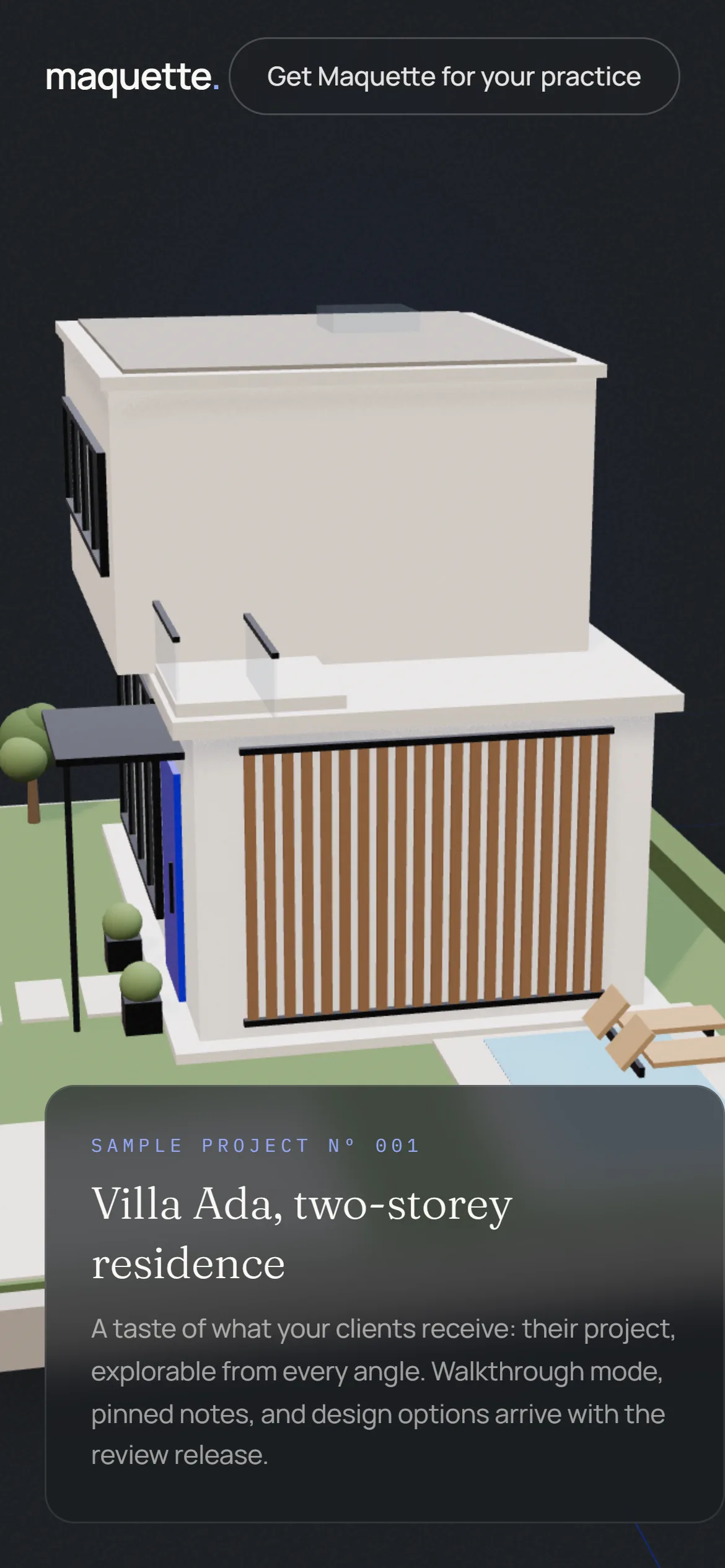
The client opens a link and the project is there, lit and furnished, to orbit and zoom from every angle, on a laptop or a phone. The sample project below is what a client receives today; walkthrough mode, pinned notes and design options arrive with the review release.
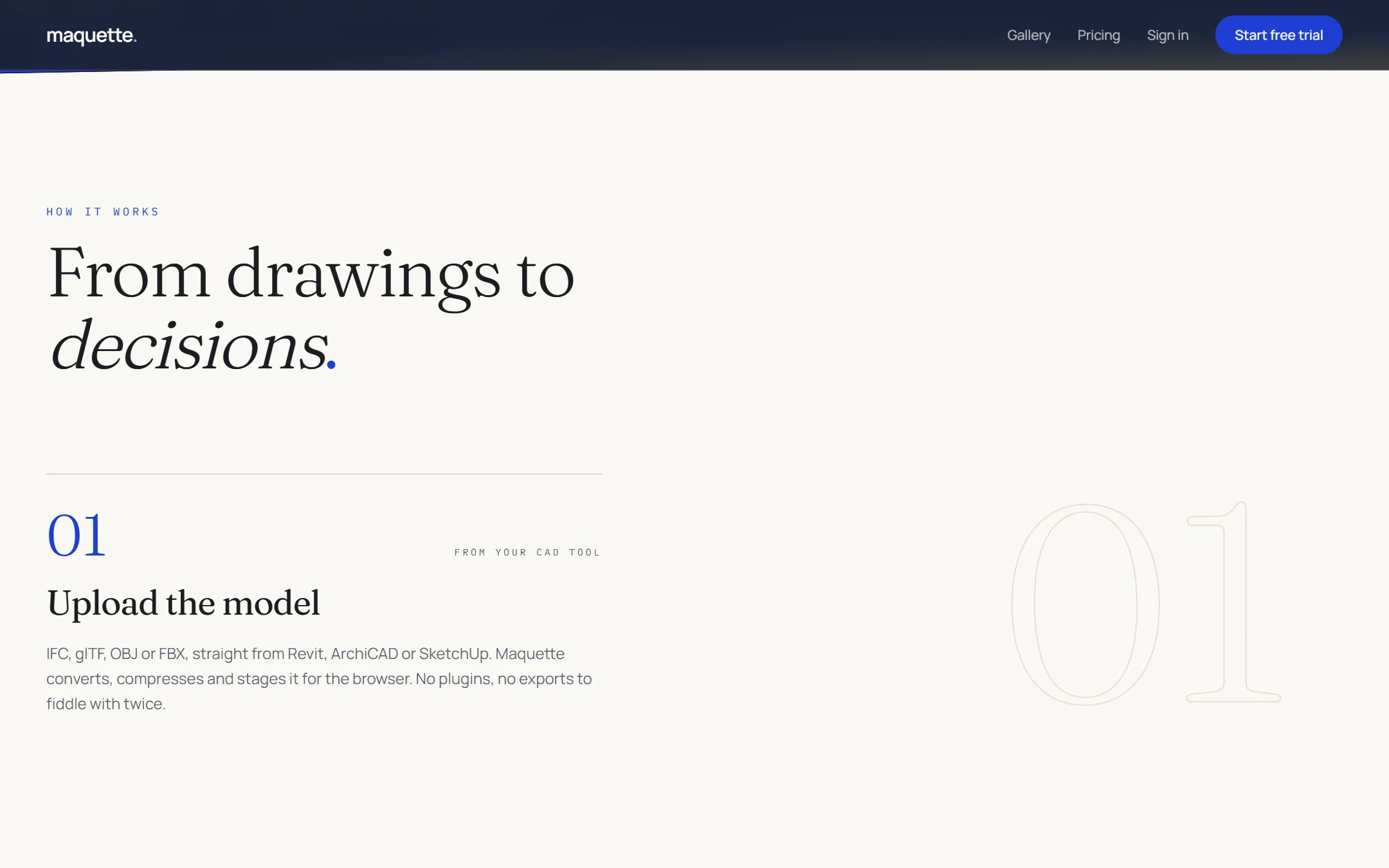
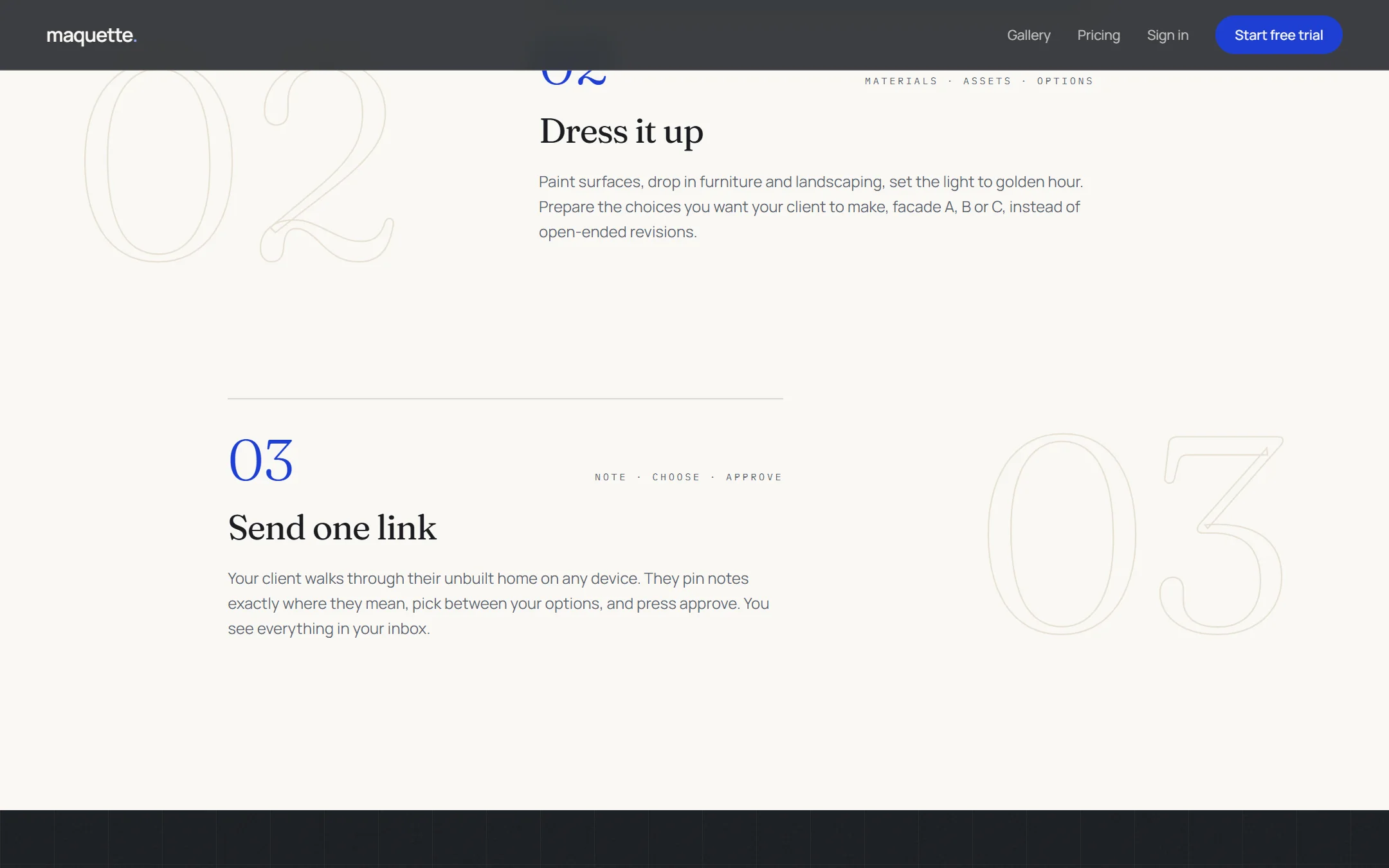
Three steps, from drawings to decisions
Upload the model straight from Revit, ArchiCAD or SketchUp. Dress it: paint the surfaces, place furniture and landscaping, set the light, and prepare the choices the client should make, facade A, B or C, instead of open-ended revisions. Then send one link, where the client notes, chooses and approves.
The site that sells it
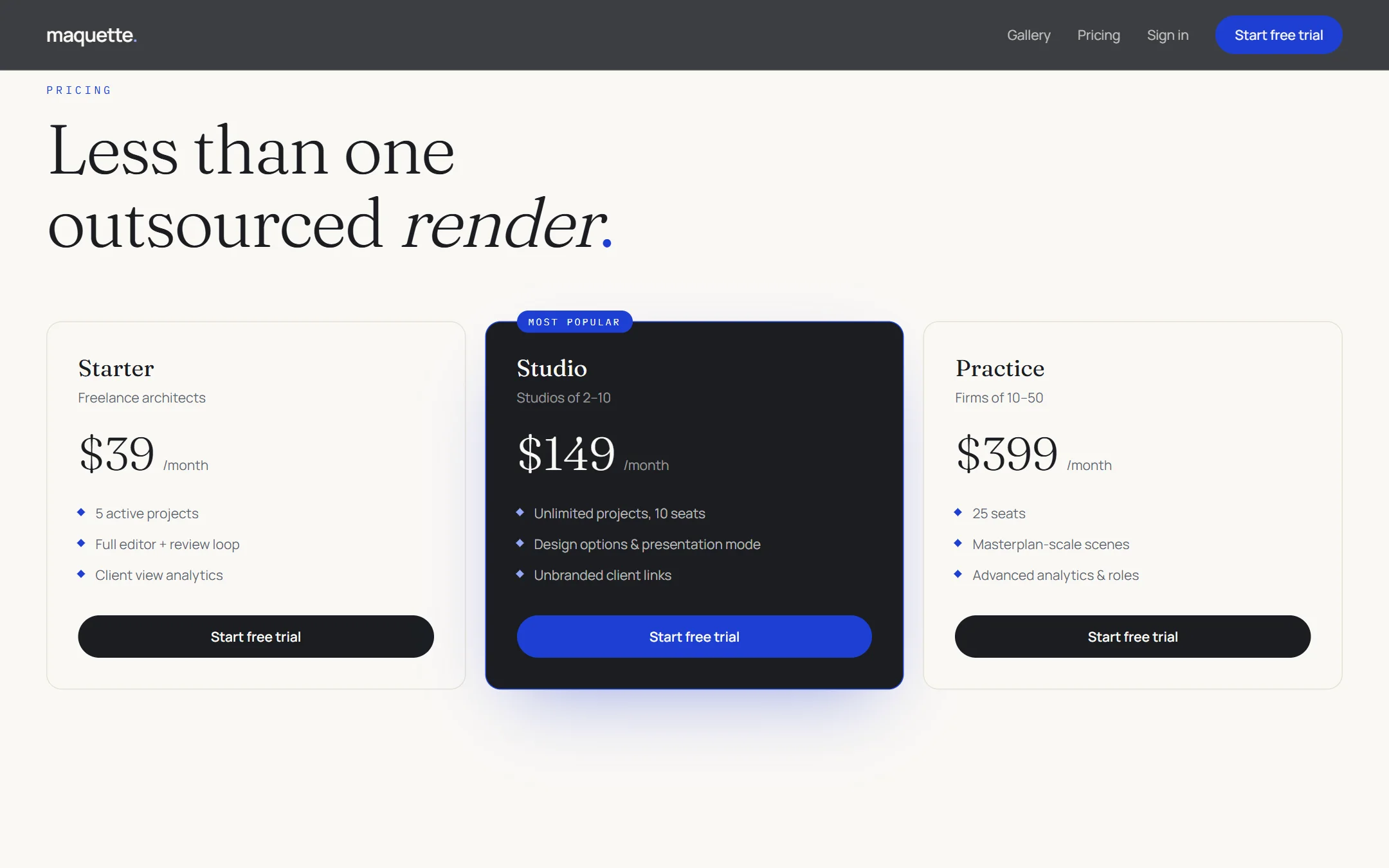
The marketing site speaks to the architect: the problem in their own words, a sample to explore, and three plans, from a freelance architect to a firm of fifty, priced against the cost of a single outsourced render.
How it's built
A monorepo run as a modular monolith. A Next.js app holds the marketing site, the architect's dashboard and the client's review viewer; a separate internal admin app sits apart for safety. A Fastify and tRPC API handles the business logic with Better Auth, and a BullMQ worker takes each uploaded model through conversion, optimisation, levels of detail and publishing.
The 3D viewer and editor is one shared React Three Fiber engine. Walkthrough speed lives in the asset pipeline, the CDN and the client's GPU, so the backend stays simple enough for one person to run.
- UploadIFC, glTF, OBJ or FBX
- ConvertA worker queue on BullMQ
- OptimiseLevels of detail, compression
- DressMaterials, furniture, light
- PublishOne link for the client
In use: a review, start to finish
An architect finishes a duplex in her modelling tool, exports IFC and uploads it. She sets the render, places the furniture and prepares two cladding options, then sends the client one link.
That evening the client opens it on his phone, walks the upper floor, pins a note asking for a wider terrace opening, and flips between plaster and timber cladding. He chooses timber and approves. The architect has the pin, the choice and the approval, dated, in one place, and no PDF went back and forth.
A worked example of the review Maquette is built for; the people are illustrative.